|
Goal: This guide will help how to mark submissions as high confidentiality Prerequisites: Salesforce user Audience: Salesforce users |
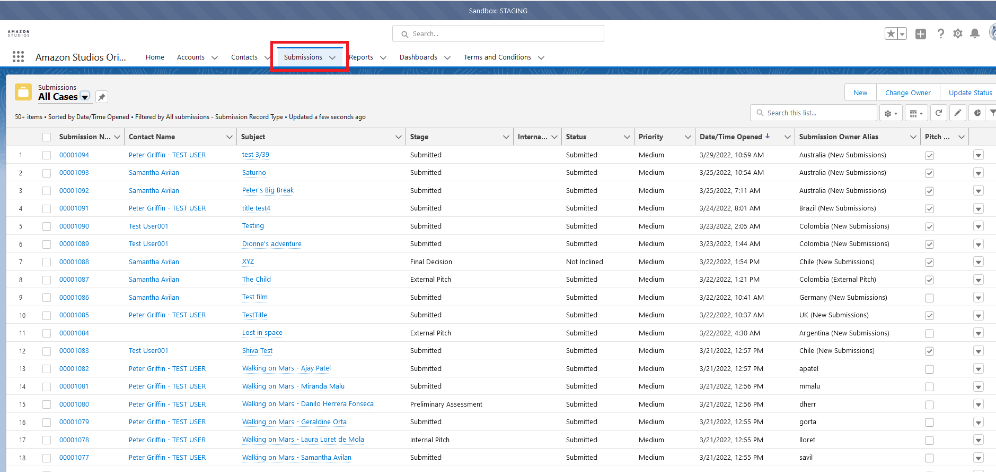
- Click on the Submissions tab and navigate to a test submission
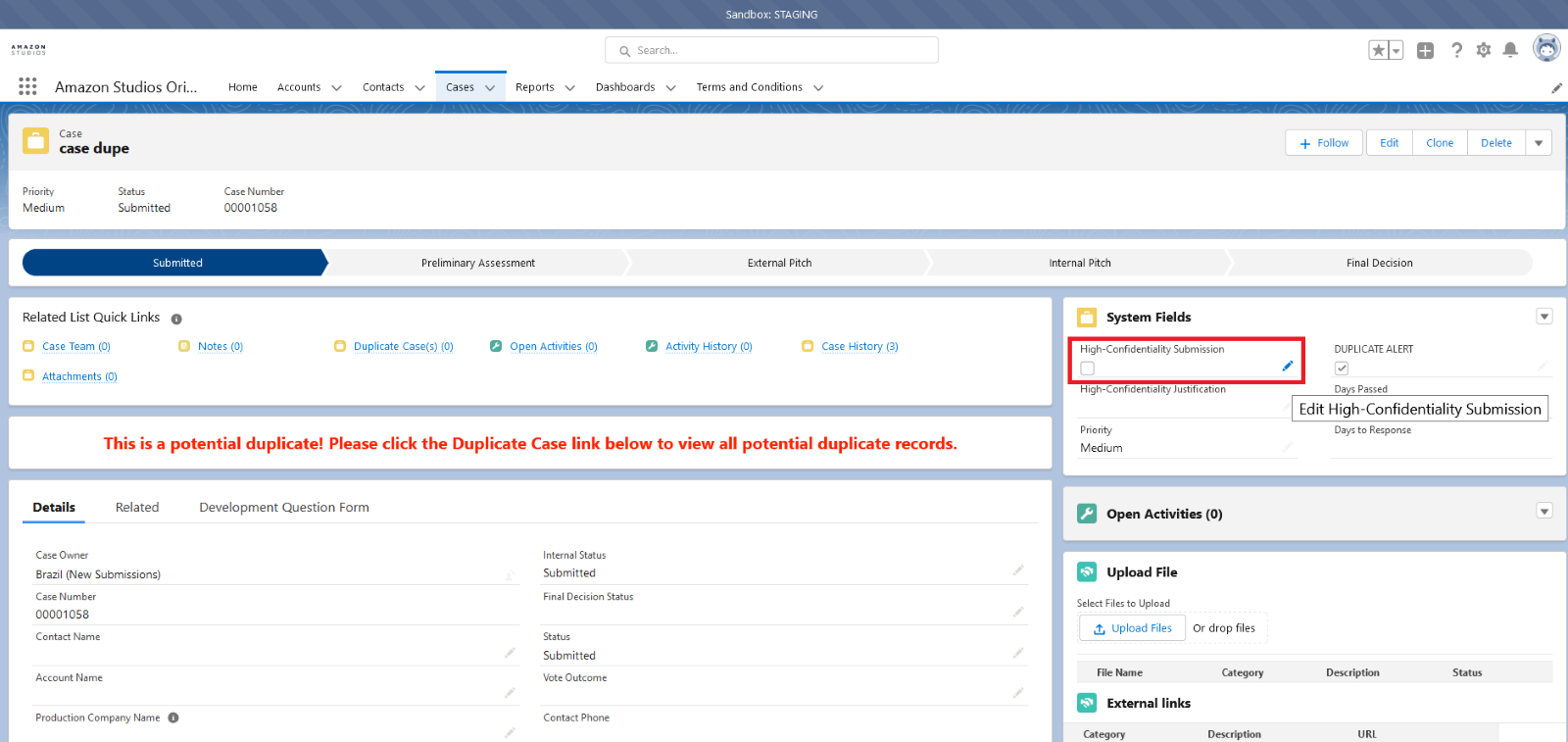
- Click on the pencil next to the High-Confidentiality Submission field
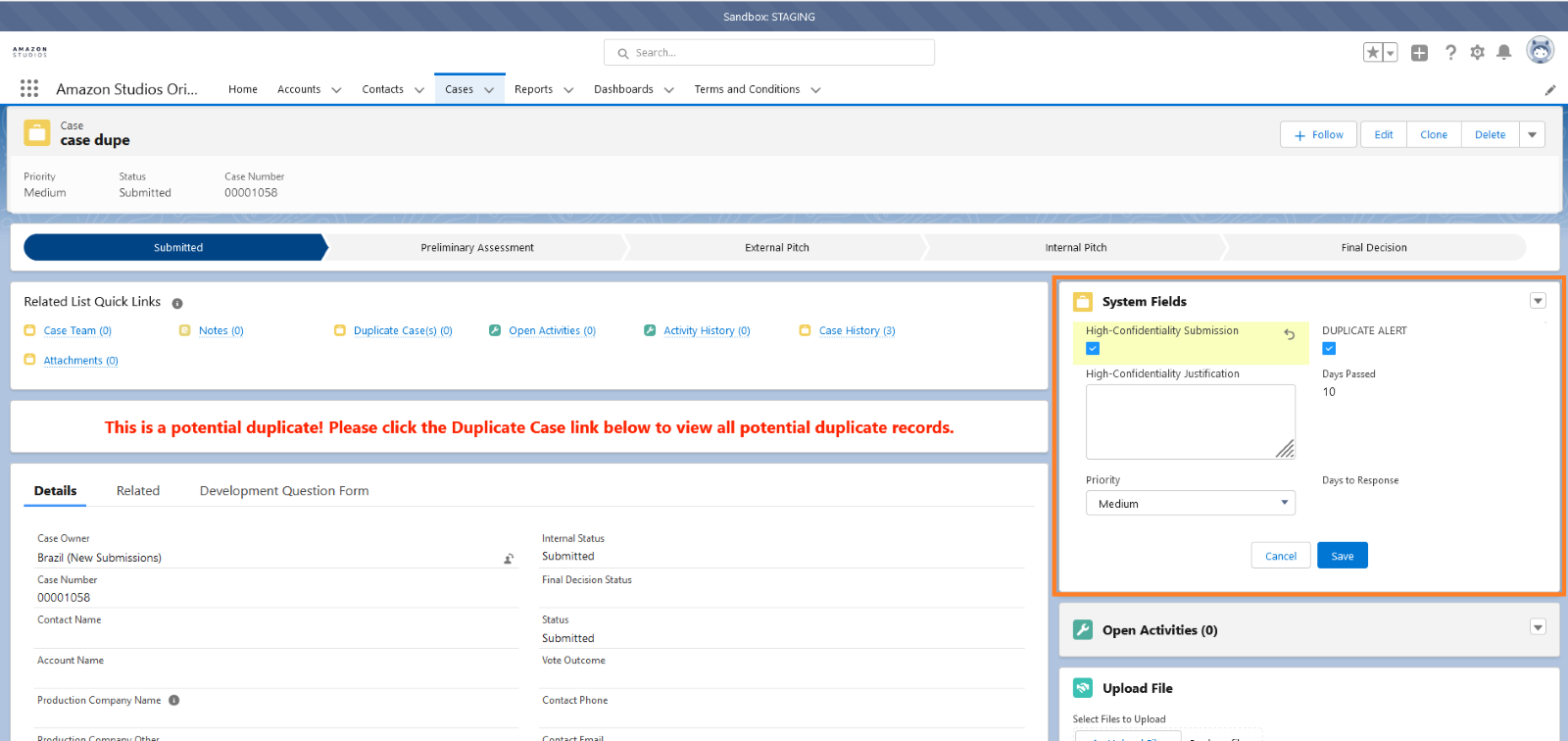
- Checkbox the field and provide a justification in the High-Confidentiality Justification field below and click Save